







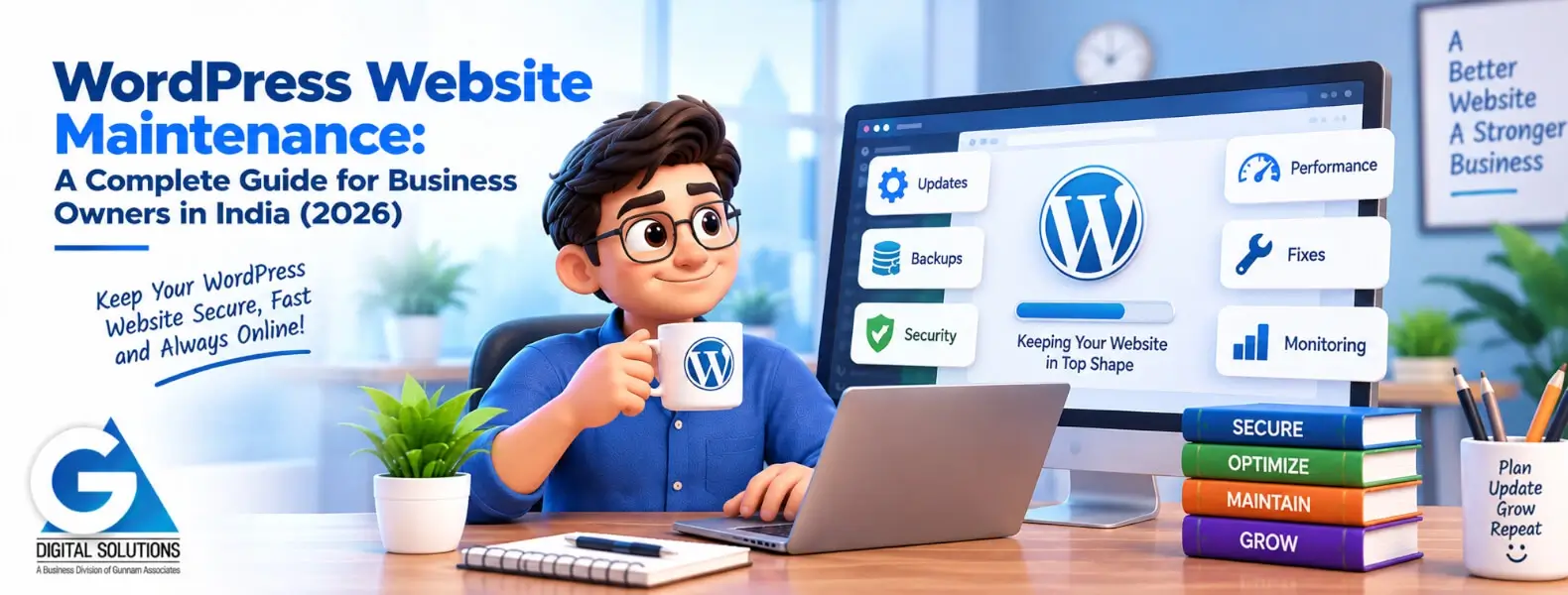
WordPress Website Maintenance: A Complete Guide for Business Owners in India (2026)
Last updated: May 2026 · 8-minute read · By GA Digital Solutions, Hyderabad
WordPress powers over 40% of all websites globally — and the majority of Indian business websites are built on it. That popularity is a strength and a vulnerability. WordPress is well-supported, highly flexible, and easy to manage. It is also the most targeted CMS platform for cyberattacks, precisely because its widespread use makes it a high-value target for automated vulnerability scanners.
The good news: a well-maintained WordPress website is genuinely secure and high-performing. The bad news: an unmaintained one deteriorates fast. This guide covers everything you need to know about maintaining a WordPress website in India in 2026.
Why WordPress Maintenance Has Specific Requirements
Unlike a static HTML website, WordPress is a dynamic CMS built on layers of software — the WordPress core, themes, and plugins — each maintained by different developers, each releasing updates on their own schedule. When any of these layers falls out of date, it creates potential security vulnerabilities, performance degradation, or compatibility conflicts.
The plugin ecosystem is both WordPress’s greatest strength and its biggest maintenance challenge. The average business WordPress site has 15–25 active plugins. Each one is a separate software dependency. Each requires updates. Each can break something when updated — or become a security liability when not updated.
 - 1.webp)
The Four Pillars of WordPress Maintenance
1. Software Updates
WordPress releases core updates several times a year — minor updates for security patches, major updates for new features and architecture changes. Plugins and themes release updates on their own schedules, sometimes weekly.
The critical rule: never apply updates directly to your live website without testing first. A plugin update that conflicts with your theme, or a major WordPress version that breaks a key plugin, takes your site offline instantly and visibly. Always use a staging environment — a private copy of your site — to test updates before pushing them live.
2. Backups
A recent, verified backup is the single most important safety net for any WordPress website. Backups should be automated (not manual), stored off-site (not on the same server), and tested periodically to confirm they can actually be restored.
Recommended frequency: daily for any site with active forms, transactions, or bookings. Weekly minimum for stable brochure sites. Retention: keep at least 30 days of backup history so you can restore to a point before a problem that went unnoticed.
3. Security
WordPress security maintenance goes beyond running a scan. It includes: keeping all software current, limiting login attempts, enforcing strong passwords and two-factor authentication, monitoring for file changes, managing user roles (remove old accounts), and keeping your SSL certificate valid.
If your WordPress site is ever hacked, incomplete malware removal leads to reinfection within days. The root vulnerability — usually an outdated plugin — must be patched, not just the malware cleaned.
4. Performance
WordPress databases accumulate clutter over time: post revisions, spam comments, transient data, orphaned metadata. Regular database optimisation keeps your site fast. Image optimisation, caching configuration, and server response time checks round out the performance layer.
Why this matters for Indian businesses specifically: Google’s Core Web Vitals are a ranking factor. A WordPress site that was fast at launch will slow down without maintenance — and slower pages mean lower rankings and lower conversion rates.
WordPress Monthly Maintenance Schedule
| Task | What it involves |
|---|---|
| WordPress core update | Check for and apply major/minor core updates in staging. Confirm all themes and plugins remain compatible. |
| Plugin updates | Apply all pending plugin updates one at a time in staging. Test functionality after each batch. Push live only when verified. |
| Theme update | Apply and test. Check homepage, key landing pages, and mobile responsiveness after update. |
| Database optimisation | Remove post revisions, spam, transient data. Run a repair if any table errors are flagged. |
| Security scan | Full malware scan. Review file integrity report. Check for unauthorised user accounts or admin-level changes. |
| Backup verification | Confirm automated backups completed successfully. Verify off-site storage. Test restore on a staging environment quarterly. |
| Broken link check | Scan all internal and external links. Fix 404 errors and dead external URLs. |
| Form and conversion test | Submit every active form. Confirm enquiries arrive. Test any booking or payment flow. |
| SSL check | Confirm certificate is valid. Note expiry date. Initiate renewal if within 60 days. |
| Analytics review | Review traffic, conversions, and any unusual patterns. Flag anomalies for investigation. |
One rule above all others: test in staging, not on live. Every experienced WordPress developer has a story about an update that crashed a client’s live site. The staging environment is what prevents that story from being yours.
 - 2.webp)
Five WordPress Maintenance Mistakes to Avoid
✕ Applying all pending updates at once — batch updates make conflicts impossible to diagnose. Apply and test one at a time.
✕ Using auto-update for all plugins — minor security patches can auto-update safely, but major plugin updates need manual staging first.
✕ Keeping inactive plugins installed — inactive plugins still run code and still carry vulnerabilities. Delete what you don’t use.
✕ Using admin as your username — it is the first username every brute-force attack tries. Use a unique administrator username.
✕ Ignoring PHP version warnings — outdated PHP versions are a security risk and will eventually be unsupported by WordPress itself. Check your PHP version quarterly.
DIY or Professional WordPress Maintenance?
A technically capable business owner or in-house developer can handle WordPress maintenance themselves if they have the time and follow a rigorous process. The prerequisites: a staging environment, a reliable backup plugin (UpdraftPlus or similar), a security plugin (Wordfence or Sucuri), and a commitment to testing every update before it goes live.
For most business owners, the time cost and the technical depth required make professional maintenance the more practical choice. WordPress maintenance done carefully takes 2–4 hours per month. Done carelessly, it takes 2–4 hours per incident recovery.
GA Digital Solutions provides dedicated WordPress maintenance for Indian businesses. All updates are staged and tested. Backups are automated and off-site. Malware removal is included in all plans. Contact us for a free 20-point WordPress health audit.
→ Get Your Free WordPress Health Audit — No Cost, No Obligation
We check your WordPress site against 20 maintenance and security indicators and deliver a plain-language report within 2 business days.
 - 3.webp)
Frequently Asked Questions
Review available updates weekly. Apply them monthly in a staged process — test in staging, confirm everything works, then push live. Security-critical updates should be applied as soon as safely possible, ideally within 48 hours of release.
WordPress is the most targeted CMS — but primarily because it is the most widely used. A well-maintained WordPress site is not inherently less secure than other platforms. The risk comes from neglect: outdated plugins, weak passwords, and no security monitoring. A properly maintained WordPress site is secure.
The free version of Wordfence provides meaningful protection: firewall, malware scanner, and login protection. The paid version adds real-time threat intelligence. For a standard business website, the free version is a good starting point. For e-commerce or high-traffic sites, the paid version is worth the investment.
Minor updates (e.g. 6.5.1 to 6.5.2) are typically security or bug fixes — lower risk, can often be applied quickly after backup. Major upgrades (e.g. 6.5 to 6.6) involve new features and architectural changes — higher compatibility risk, always test in staging first.
Do not change anything immediately. Contact a professional for a security audit first — changing files on a hacked site without expertise can make recovery harder. If you have a recent backup, identify the last clean restore point. The priority is: (1) identify the entry point, (2) clean all malware, (3) patch the vulnerability, (4) harden the site. Cleaning without patching leads to reinfection.
Continue Reading
Explore the full GA Digital Solutions website maintenance guide series.
Core Guides
- Website Maintenance Services: The Complete Guide for Indian Businesses (2026)
- The Complete Website Maintenance Checklist
- How Often Should You Update Your Website?
Security & Performance
- Website Security Maintenance Guide
- Website Speed Optimisation as a Maintenance Task
- What Happens If You Don’t Maintain Your Website?
Cost & Packages
- Website Maintenance Cost in India (2026)
- Website Maintenance Packages in India: How to Compare
- Website Maintenance Services in Hyderabad
GA Digital Solutions is a full-service digital agency based in Hyderabad, India. We provide website maintenance, design and development, SEO, performance marketing, and lead management services to businesses across India.
