Header Example

1. Project Brief

Story Land Library

E-Commerce Book Rental & Delivery

Duration

3 Months

Client Background:

Story Land Library began as a beloved local library chain where families, especially parents with young children, could rent books. As the founders—avid readers themselves—moved back to India, they noticed a lack of convenient, kid-focused book rental services. This inspired them to bring the joy of discovery and reading into a digital experience accessible to families across the country.
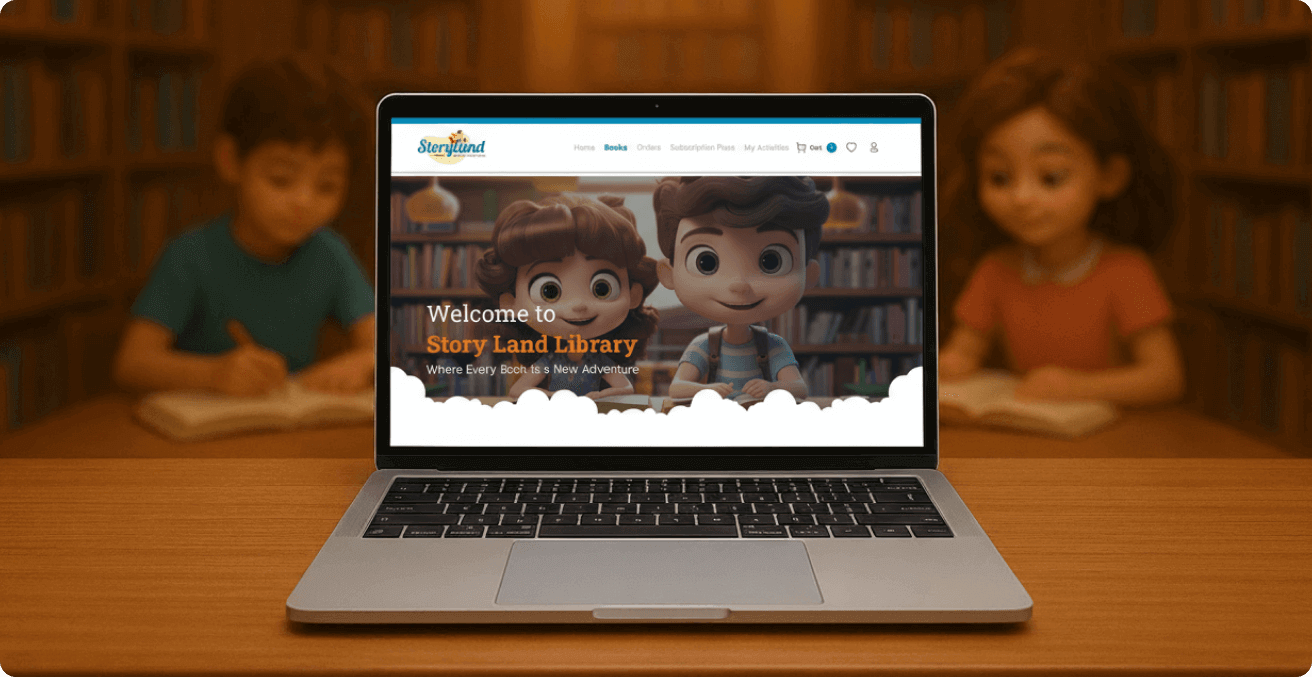
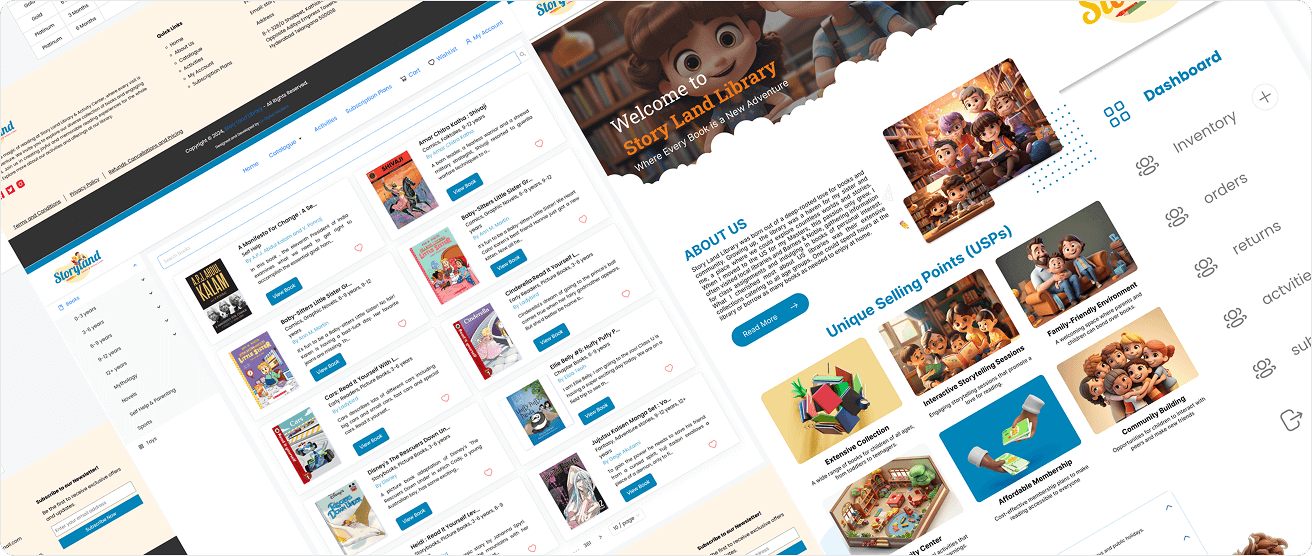
Story Land Library website

2. Project Overview

The Big Idea:

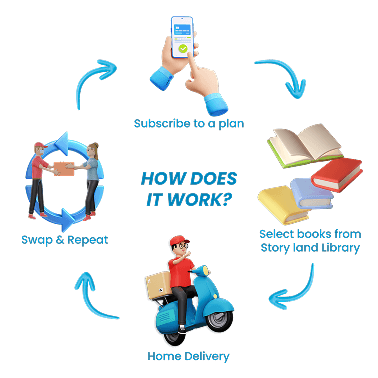
The goal was to transform the warmth of a physical library into an engaging online platform. Story Land Library wanted users to browse books online, subscribe to rental plans, and have books delivered to their doorstep — all while keeping the experience fun and educational for children.
Challenges We Faced:

The goal was to transform the warmth of a physical library into an engaging online platform. Story Land Library wanted users to browse books online, subscribe to rental plans, and have books delivered to their doorstep — all while keeping the experience fun and educational for children.

Real-time Inventory

Real-time Inventory

Keeping stock updated so users always know what’s available.

Kid-Friendly Browsing

Kid-Friendly Browsing

Simplifying the experience with age-based and theme-based categories.
Delivery Coordination

Delivery Coordination

Managing communication between library staff, delivery partners, and users efficiently.

Goals We Set
Larger Image Section

Showcase immersive reading journeys with a focus on engagement and exploration.

Smaller Image Section

Highlight the subscription model and doorstep delivery feature.
New Image Section 1

Highlight the interactive book features for children with audio and visual aids.
New Image Section 2

Emphasize the subscription benefits with a focus on family and educational value.

3. Design Process

Discover & Research:

We started by observing customer behavior at the client’s physical outlets. Parents preferred clear categorization (by age, genre, theme), while children gravitated toward visuals and illustrations. We analyzed platforms like Bookchor, Kindle Unlimited, and Storytel to benchmark user experience, followed by interviews with parents and kids to identify their preferences and frustrations.

Defining the Requirements:

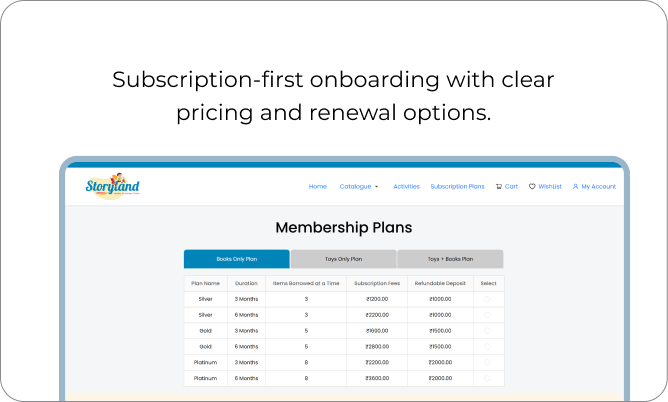
  • Simplify the subscription flow for quick onboarding.
  • Make browsing playful yet intuitive, especially for young users.
  • Integrate real-time delivery updates and book availability.
  • Story Land Library website

    Wireframing the Experience:

    Story Land Library website

    Defining the Requirements:

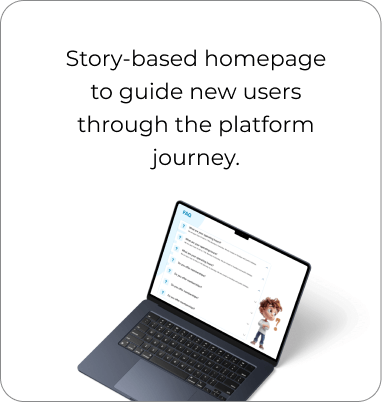
  • Homepage explaining the journey
  • Category navigation (age, theme, genre)
  • Subscription checkout
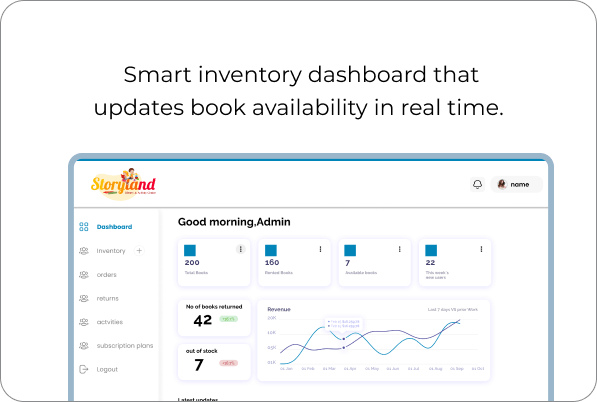
  • Admin dashboard for inventory and subscription management
  • Story Land Library website

    Visual Design & Prototyping:

    Story Land Library website
    Story Land Library website
    Real-time Inventory

    Book-Loading effects and illustrated characters to make Browsing fun

    Testing & Validation:

    We tested prototypes with parents and kids. Kids loved the animations and visuals, while parents praised the clear filters and subscription flow. Based on feedback, we refined the navigation structure and improved the filtering options.


    Story Land Library website

    4. Tech Stack

    Front-end

    React Logo

    React with
    ant Design library

    Arrow Arrow Divider

    Backend

    Django Logo

    Django REST Framework
    (APIs, authentication, permissions)

    Arrow Divider

    Database

    Postgres Logo

    Django REST Framework
    (APIs, authentication, permissions)

    Arrow Divider

    Authentication

    JWT Logo

    JWT/Session-based
    for secure access

    Arrow

    Architecture Overview:

    The system was built to be modular and scalable, allowing future expansion into toys, DIY kits, and learning products.
    5. Solutions & Features

    How It All Came Together:

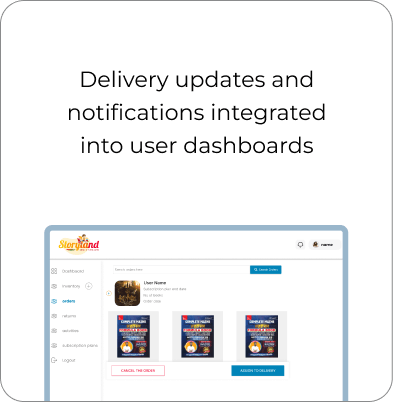
    Real-time Inventory
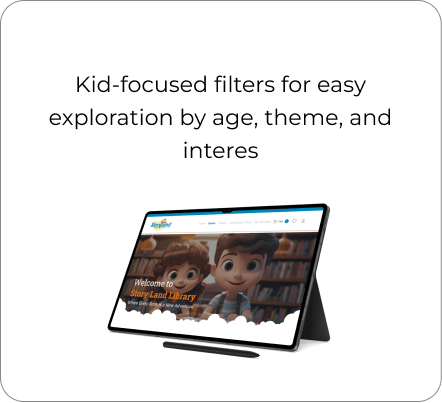
    Kid-Friendly Browsing
    Image 1
    Image 2
    Image 3

    Key Features Users Loved:

    • Easy subscription management (sign-up, renew, cancel).
    • Categorization by age group and interests.
    • Notifications for rental and delivery progress.
    • Playful animations that enhanced browsing delight.

    Innovations Introduced:

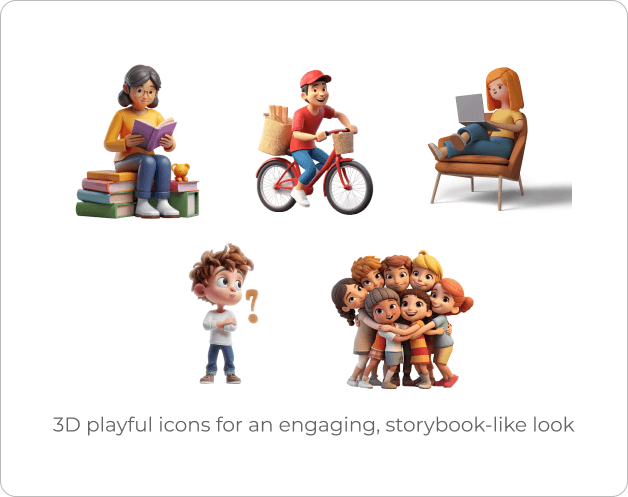
    • 3D icons for a friendly, immersive experience.
    • Multi-layer filters enabling quick discovery of books.
    • Real-time inventory visibility to reduce user frustration.

    6. Outcomes & Impact

    User Wins:

  • Parents found it easier to discover suitable books by age and interest.
  • Transparent delivery updates built user confidence.
  • Subscription renewals improved due to the smooth experience.
  • Business Wins:

  • Successfully transitioned from a local library to a national digital platform.
  • Reduced manual tracking with automated inventory and subscriptions.
  • Enhanced customer retention through intuitive design and reliability
  • 7. Key Learnings & Next Steps

    What We Learned:

  • Strong coordination between tech and logistics is crucial for e-commerce success.
  • Categorization and design empathy make all the difference when targeting kids and parents.
  • Delivery visibility is just as vital as checkout convenience.
  • What’s Next:

  • Introduce AI-driven book recommendations based on reading history.
  • Add a Kids’ Activities Corner featuring DIY and art kits.
  • Expand into toys and educational products, evolving into a holistic family platform.